Appearance
Alarms
Set alarms quickly and easily
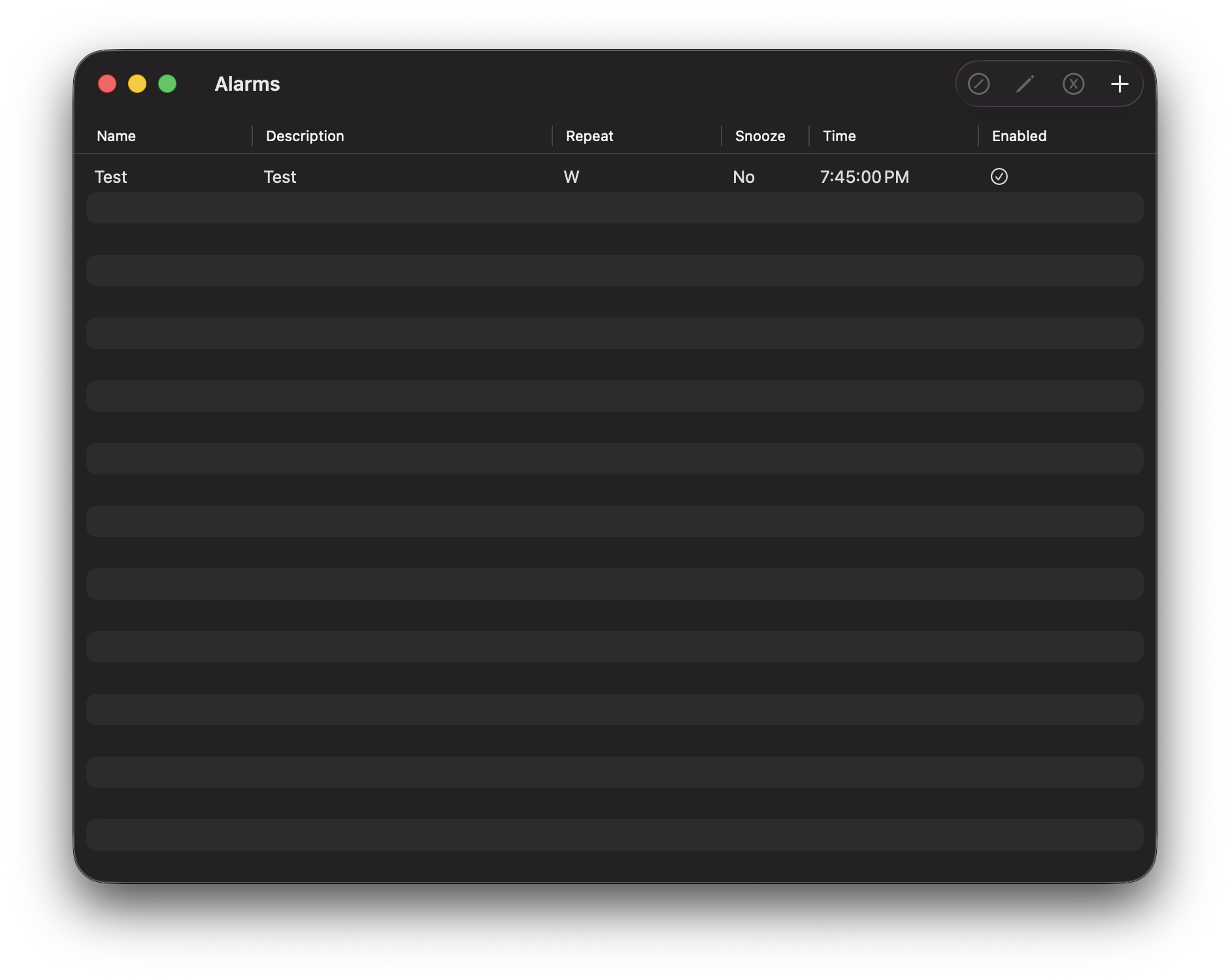 A simple alarm clock utility. Just hit the "+" button in the top right to add a new alarm and simply fill in the form.
With this alarm utility you can set:
- Name
- Description
- Repeat days (or none at all)
- Allow snoozing
- Time
In addition to these options, you can enable or disable alarms by selecting them in the table and using the button that is a circle with a slash through it in the top right to toggle whether an alarm is enabled or not.
To edit or delete an alarm, simply select it in the table and press the pencil or "x" icon in the top right respectively.